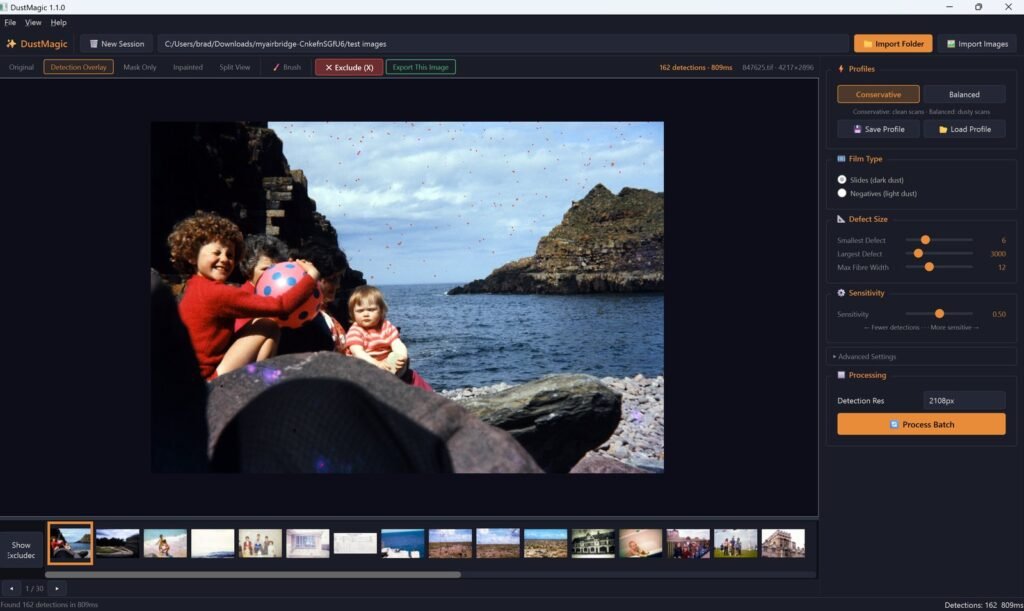
DustMagic is a desktop app for Windows and Mac that detects and removes dust & fibers from scanned film. Originals are never modified — cleaned files go to a separate folder.
System Requirements
- Windows 10 or 11, or macOS 12 or later (Intel or Apple silicon)
- 8 GB RAM (16 GB recommended)
- Install size about 600 MB on Windows and 1 GB on Mac
- Free disk space for a full copy of your cleaned images; keep the drive below about 85% full
- No graphics card needed — DustMagic runs entirely on the CPU
What DustMagic Is For
- Automatically removing, or significantly reducing, the appearance of dust on large batches of scanned film, whether it was scanned on a flatbed, a film scanner or with a camera. There is also a Smart Brush for adding or removing spots from the detection mask by hand where needed.
Step 1: Download the Free Trial
Visit dustmagic.io and click Download free trial. It is a free $0 checkout: enter your email and we send you the download link. Choose Windows or Mac from the email.
Step 2: Install
Windows: Run the DustMagic_Setup installer from your Downloads folder, follow the prompts, click Finish.
Mac: Open the DustMagic .dmg file and drag the app to Applications.
Step 3: First Launch
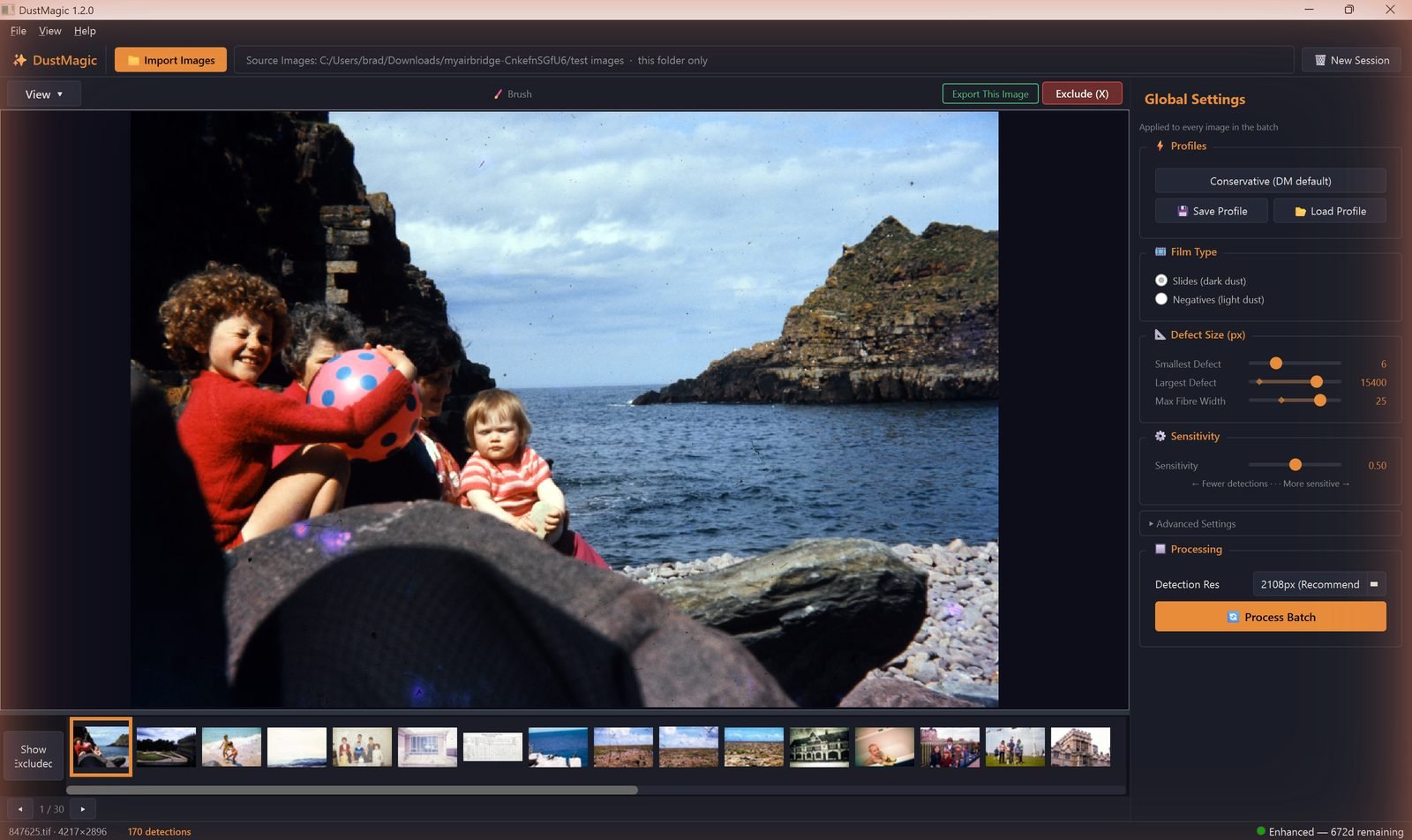
On first launch DustMagic opens in trial mode. The trial is the full app — batch processing included, unlimited images, no time limit. You see full results on screen; only exported images carry a watermark. Your options:
- Keep using the trial — unlimited images, watermarked exports.
- Buy a 12-month license — $59, one payment, no auto-renewal. Removes the watermark.
See 1.4: Licensing & Activation for details.
Next Steps
- Process your first folder — 1.2: Your First Batch.
- Use DustMagic with Lightroom Classic or Photoshop — 1.3: Installation for Lightroom/Photoshop Users.
- Activate a license key — 1.4: Licensing & Activation.